


Not all AI tools are created equal. That's easy to say. It's more useful to show.
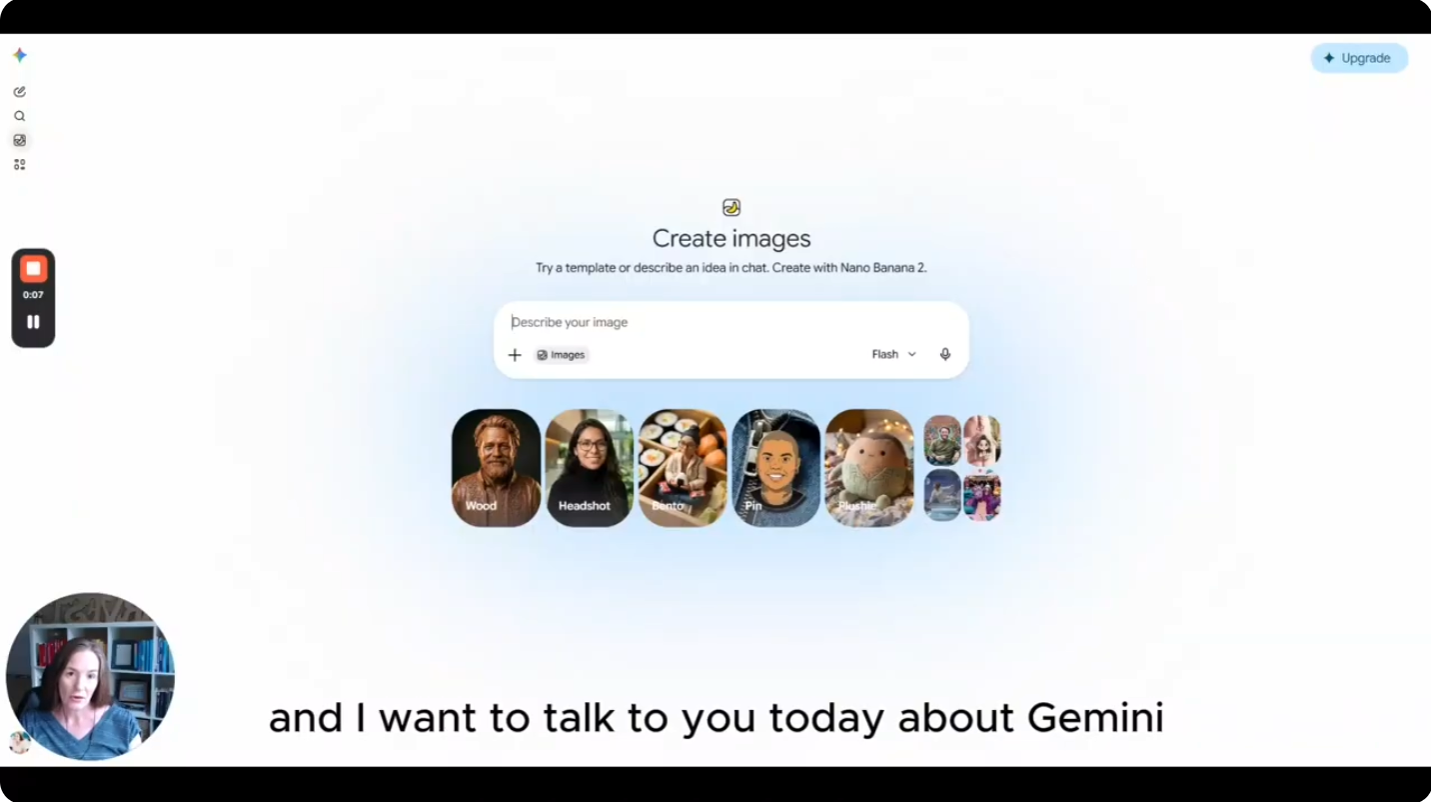
I ran an experiment: take a real survey report, write one prompt, and run it through four different AI tools to turn the data into an infographic. The tools were Gemini, Nano Banana, Canva, and Gamma. The results were not what I expected.
Why This Matters for Researchers
Infographics are a staple of research deliverables — they make findings accessible to stakeholders who won't read a 40-page report. But building them is time-consuming, and the "just use AI" advice is often useless without specifics about which AI does this well.
This test was designed to give a concrete answer.
The Setup
I used a real survey report as the source material. Then I used Gemini to write the prompt — which is itself worth noting. If you're not confident at prompting, try using one AI tool to write the prompt for another. It changes what you get.
That same prompt then went into Nano Banana, Canva, and Gamma.
What I Found
The output varied more than I anticipated. Some tools handled data visualization clearly. Others produced something that looked polished but buried the key findings. The gap between the best and worst results wasn't subtle.
The full breakdown — with screenshots of each output — is in the video. But the short version: the tool you default to for design tasks may not be the right tool for data-driven infographics, and it's worth testing before you commit to a workflow.
The Takeaway
Before you build a repeatable process around any AI tool, run your own version of this test. Use your actual content, your actual data. The results on a generic demo prompt and the results on your real research deliverables can look very different.
Full walkthrough on YouTube — https://www.youtube.com/watch?v=7GS25QA0nXI